MacBook Air M5 vs MacBook Pro M5: Which 2026 Apple Laptop Wins?
MacBook Air M5 ($999) vs Pro M5 ($1,499): same M5 chip, but the Pro adds XDR display and 6 extra battery hours. Here's who needs which laptop in 2026.

Quick verdict
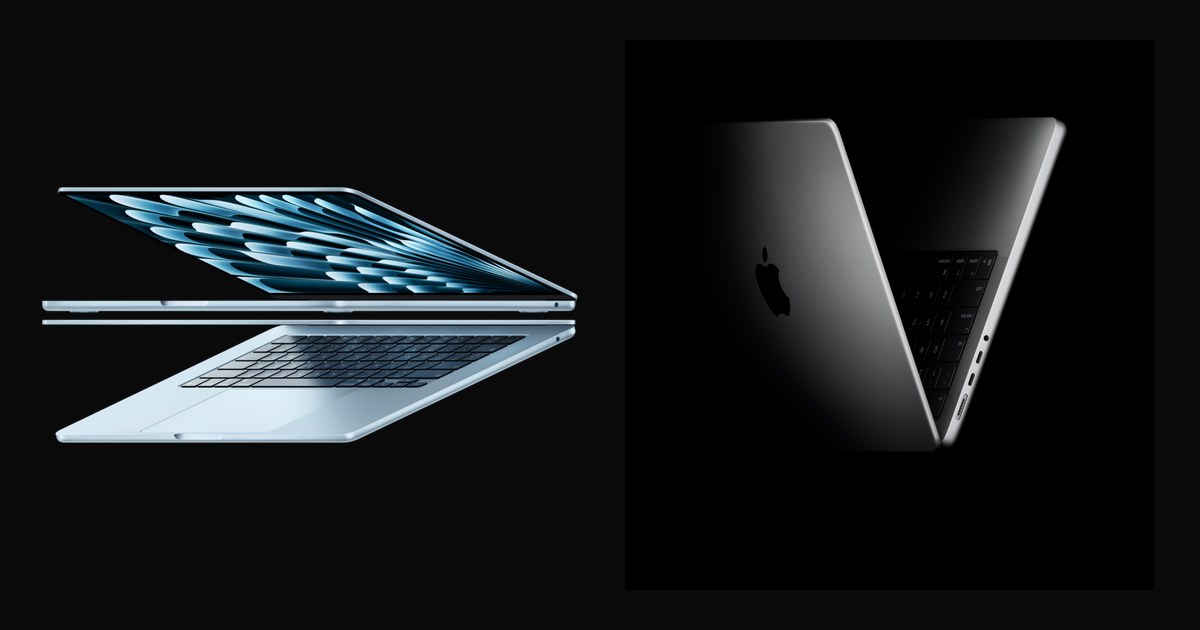
MacBook Air M5 wins for portability and value. MacBook Pro M5 wins for HDR content work.
Both use the identical M5 chip, so everyday speed is a wash. The Pro costs $500 more for an XDR display with 1600-nit peak brightness, 6 extra battery hours, and an HDMI port. If you don't edit HDR video or need 24-hour battery life, the Air delivers the same performance in a thinner, lighter body. Most buyers save the $500.
Specs at a glance
Here's where the $500 price gap actually shows up.
| Feature | MacBook Air M5 | MacBook Pro M5 |
|---|---|---|
| Price | $999 (13.6") / $1,149 (15.3") | $1,499 (14.2") |
| Chip | M5 (10-core CPU, 10-core GPU) | M5 (10-core CPU, 10-core GPU) |
| Display | Liquid Retina, 500 nits | Liquid Retina XDR, 1600 nits peak |
| Battery life | Up to 18 hours | Up to 24 hours |
| Weight | 3.0 lbs (13") / 3.3 lbs (15") | 3.41 lbs |
| Ports | 2x Thunderbolt 4, MagSafe 3 | 3x Thunderbolt 4, HDMI, SDXC, MagSafe 3 |
| Base storage | 512GB | 512GB (1TB on some configs) |
| RAM | 16GB unified | 16GB unified |
MacBook Air M5: the no-compromise everyday machine
Perfect for students, travelers, and anyone who doesn't edit HDR video.
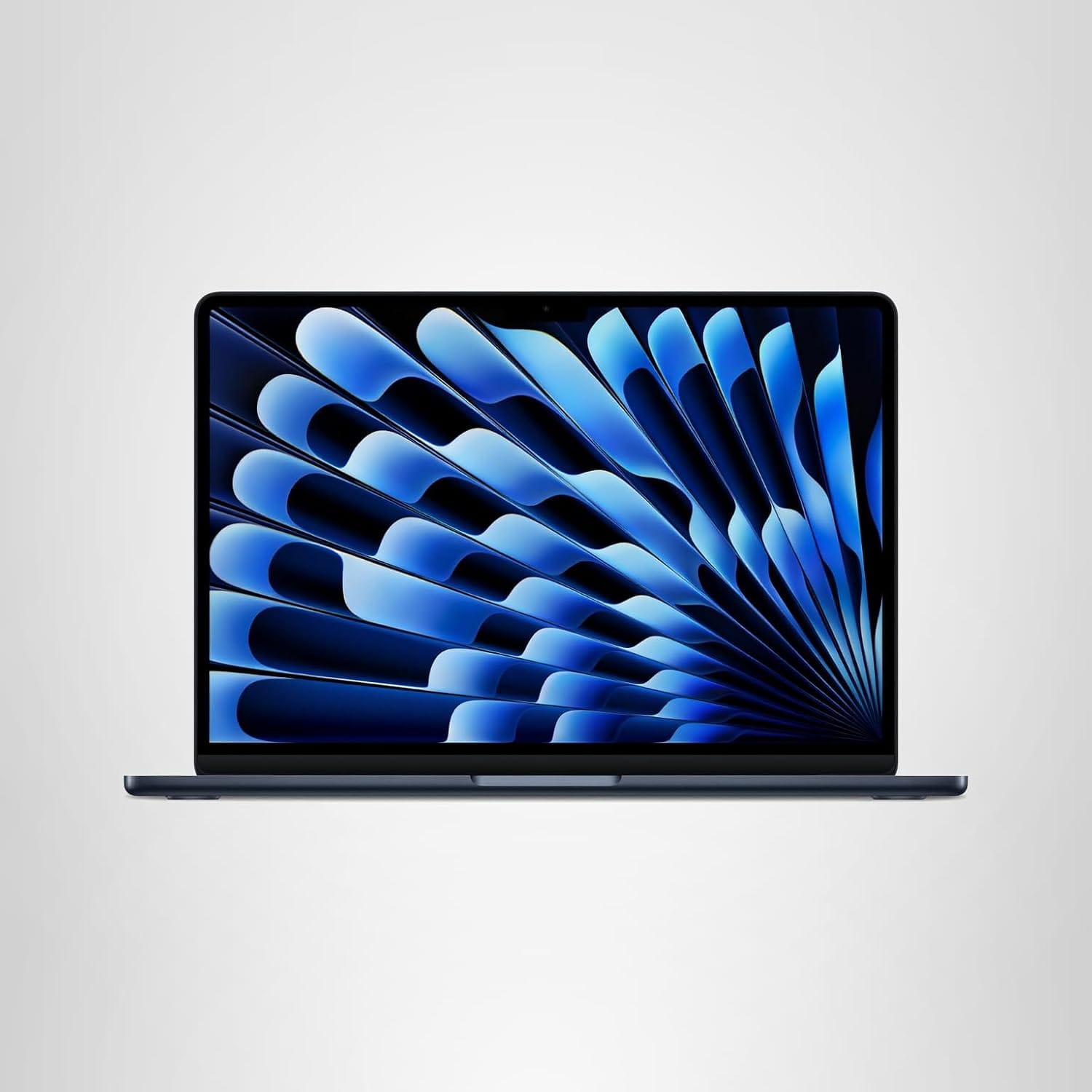
Apple 2026 MacBook Air 13-inch Laptop with M5 chip
13.6-inch Liquid Retina Display, 16GB Unified Memory, 512GB SSD, 12MP Center Stage Camera
The Air M5 is Apple's sharpest value move in years. You get the full M5 chip—same 10-core CPU, same 10-core GPU with Neural Accelerators, same 16GB of RAM—in a 3-pound chassis that's 0.45 inches thin. Apple finally stopped kneecapping the Air with 8GB of RAM, so multitasking and Apple Intelligence features run without compromise.
The 13.6-inch Liquid Retina display hits 500 nits brightness and supports 1 billion colors with P3 wide color. That's plenty for photo editing, video calls, and daily work. The six-speaker sound system with Spatial Audio support punches above its weight, and the 12MP Center Stage camera tracks you during video calls or gives you a Desk View for showing your workspace.
Battery life lands at 18 hours for video streaming, and the 40W Dynamic Power Adapter supports fast charging up to 60W if you upgrade. Two Thunderbolt 4 ports handle charging, external displays, and accessories. The Air supports up to two 6K displays at 60Hz or one 8K display at 60Hz—overkill for most buyers, but future-proof if you upgrade monitors later.
The new Sky Blue finish looks sharper than the old Starlight, and at $999 for 512GB of storage, you're getting a laptop that'll handle everything short of pro video work without breaking a sweat.
Where it falls short
No HDR display, no HDMI port, and the 18-hour battery falls short of the Pro's 24.
The Liquid Retina panel is bright and color-accurate, but it can't touch the Pro's XDR capabilities. If you edit HDR video or need to preview Dolby Vision content, the Air's 500-nit panel won't show you what clients will see on reference monitors. The 1,000,000:1 contrast ratio and 1600-nit peak brightness are Pro-only features.
Port selection is minimal. Two Thunderbolt 4 ports mean you're using a hub if you need HDMI, SD card access, or more than one external drive at a time. The Pro's built-in HDMI and SDXC slot save you from dongle life.
The 18-hour battery life is excellent, but the Pro's 24-hour stamina makes a difference on long flights or all-day shoots where you can't plug in.
Who should buy this
If you're a student, remote worker, or creative who doesn't touch HDR workflows, the Air M5 is the smarter buy. You get the same M5 performance, Apple Intelligence, and Wi-Fi 7 connectivity as the Pro, but you save $500 and carry less weight. The 15.3-inch version at $1,149 gives you a bigger canvas without jumping to Pro pricing.
MacBook Pro M5: the HDR powerhouse with all-day battery
Built for video editors, photographers, and anyone who needs reference-quality color.
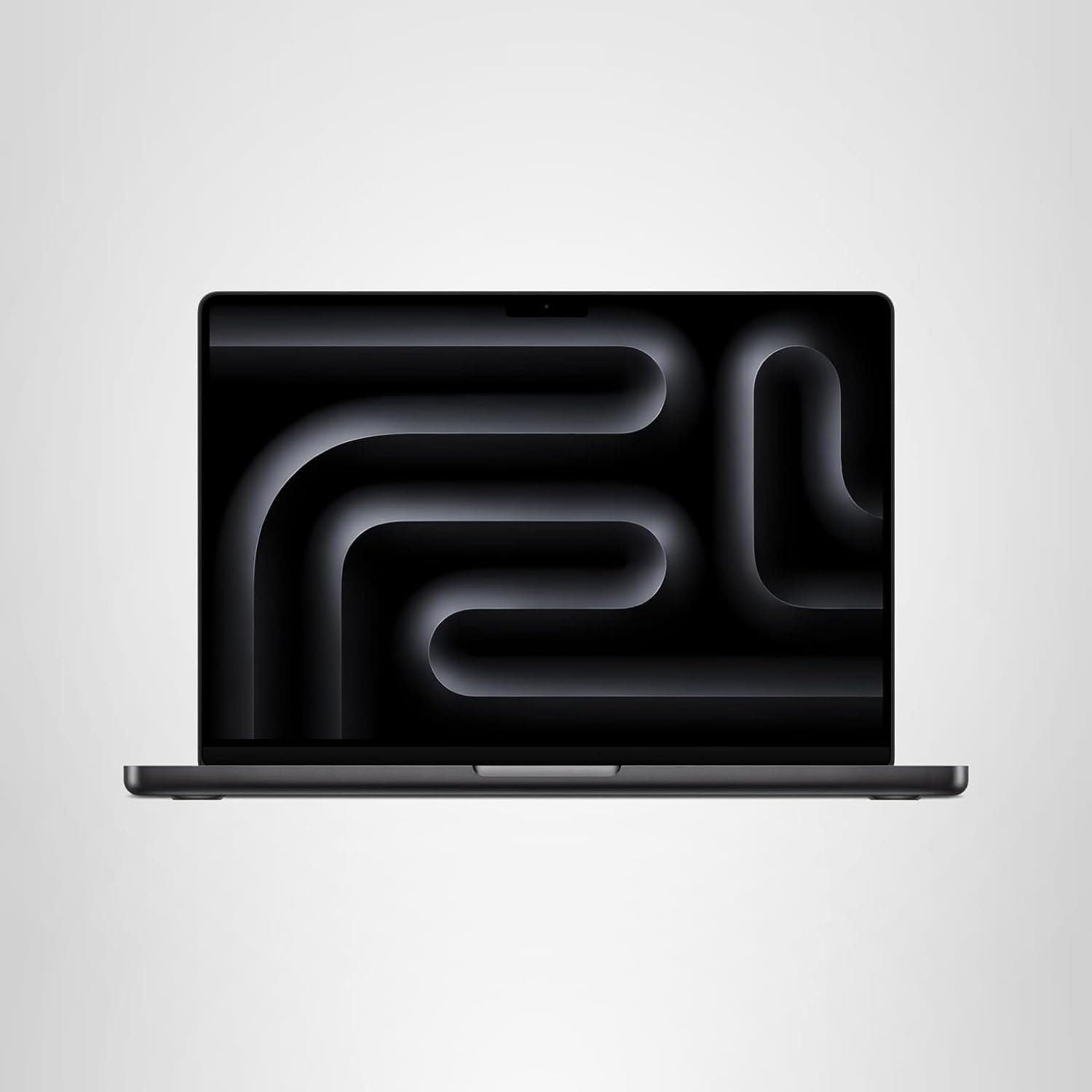
Apple 2025 MacBook Pro Laptop
Apple M5 chip with 10‑core CPU and 10‑core GPU: Built for AI, 14.2-inch Liquid Retina XDR Display, 16GB Unified Memory, 1TB SSD Storage
The Pro M5 takes the same M5 chip and wraps it in a chassis designed for content creation. The 14.2-inch Liquid Retina XDR display is the headliner: 1600 nits peak brightness for HDR content, 1000 nits sustained brightness, and a 1,000,000:1 contrast ratio that makes HDR video and RAW photos look exactly as they should.
ProMotion technology gives you adaptive refresh rates up to 120Hz, so scrolling and animations feel fluid in a way the Air's 60Hz panel can't match. If you edit video in Final Cut or DaVinci Resolve, the XDR display shows Dolby Vision and HDR10+ content accurately. That's not a luxury—it's a requirement if clients expect color-graded HDR deliverables.
The Pro's port layout is more generous: three Thunderbolt 4 ports, a full-size HDMI port, an SDXC card slot, and the MagSafe 3 charging port. You can plug in a camera card, two external drives, and an HDMI monitor without reaching for a hub. The 70W USB-C power adapter supports fast charging with a 96W brick if you need to top up quickly.
Battery life stretches to 24 hours for video streaming and 16 hours of wireless web use. That's six hours more than the Air, and in real-world use, it means you can shoot all day, edit on the flight home, and still have juice left for the hotel.
The six-speaker sound system sounds slightly fuller than the Air's, and the studio-quality three-mic array delivers cleaner audio for podcasts and video calls.
Where it falls short
It costs $500 more, weighs 0.4 pounds more, and most buyers won't use the XDR display's full range.
If you don't edit HDR footage, the XDR panel is overkill. The Air's Liquid Retina display handles SDR content, photo editing, and video calls just as well. You're paying for color accuracy and contrast most people don't need.
The Pro is slightly thicker (0.61 inches versus 0.45 inches) and heavier (3.41 pounds versus 3.0 pounds for the 13-inch Air). That difference isn't huge, but it's noticeable if you're carrying the laptop in a backpack all day.
The base model starts at $1,499 with 512GB of storage. If you need 1TB, you're looking at $1,699. The Air hits 512GB at $999, saving you $500 for the same storage and performance chip.
Who should buy this
If you're a video editor working with HDR footage, a photographer who needs color-critical work, or someone who spends 12+ hours a day away from power, the Pro M5 justifies its price. The XDR display is a professional tool, and the 24-hour battery life eliminates range anxiety on long shoots or international flights.
The extra Thunderbolt port, HDMI, and SD card slot also matter if you're on location and need to plug in multiple peripherals without a hub.
When to pick which
The Air M5 wins on value and portability. The Pro M5 wins on display quality and battery endurance.
Get the MacBook Air M5 if you're a student, office worker, or creative who works in SDR, wants the lightest laptop possible, and doesn't need more than 18 hours of battery life. The $500 savings buys you AirPods Pro or a monitor.
Get the MacBook Pro M5 if you edit HDR video, need a reference-quality display for color grading, or regularly work 16+ hours without access to power. The XDR panel and 24-hour battery are professional tools, not luxuries.
Our pick for most people: MacBook Air M5 because the M5 chip delivers the same performance as the Pro, and the Liquid Retina display handles 95% of workflows perfectly. The Pro's XDR capabilities are impressive, but they're aimed at a narrow slice of buyers who need color-critical accuracy. Everyone else should pocket the $500.
FAQ
The questions buyers ask most about these two.
Is the MacBook Pro M5 worth $500 more than the Air M5?
Only if you need the XDR display's 1600-nit brightness for HDR work or the 24-hour battery life. The Air has the same M5 chip and handles most workflows identically. The Pro's advantage is display quality and battery stamina, not raw computing power. If you don't edit HDR video or need all-day battery, the Air is the smarter buy.
Do the MacBook Air M5 and Pro M5 have the same processor?
Yes. Both use the identical 10-core CPU, 10-core GPU M5 chip with the same 16-core Neural Engine and 153GB/s memory bandwidth. There's no performance difference in everyday tasks, video rendering, or AI workloads. The Pro's benefits come from its display, battery, and port selection—not a faster chip.
Which MacBook is better for video editing in 2026?
The Pro M5 if you edit HDR footage or need reference-quality color accuracy. Its Liquid Retina XDR display with 1,000,000:1 contrast ratio shows Dolby Vision and HDR10+ content as it will appear on final delivery. The Air M5 handles 4K SDR editing smoothly but lacks the color precision for HDR grading. Both export at the same speed.
Can the MacBook Air M5 run Apple Intelligence features?
Yes, fully. Both the Air and Pro ship with 16GB of unified memory and the M5's 16-core Neural Engine, so all Apple Intelligence features—writing tools, image generation, Siri upgrades—work identically on both models. The Air isn't handicapped for AI tasks.
How much lighter is the MacBook Air M5 than the Pro M5?
The 13.6-inch Air weighs 3.0 pounds versus the 14.2-inch Pro's 3.41 pounds—0.4 pounds lighter. The Air is also thinner at 0.45 inches versus 0.61 inches. If you carry your laptop daily in a backpack or briefcase, the Air's reduced weight and thickness are noticeable over time.
This article contains affiliate links. If you purchase through these links, we may earn a small commission at no extra cost to you. We only recommend products we've researched thoroughly. As an Amazon Associate I earn from qualifying purchases. See our Affiliate Disclosure for full details.